 HappyLeafy
Know exactly what your plants need 🌿
Snap a photo to name a plant, get a care guide and an AI you can ask, and see what to water today and how much.
The demo has sample plants. Nothing to install and nothing is saved.
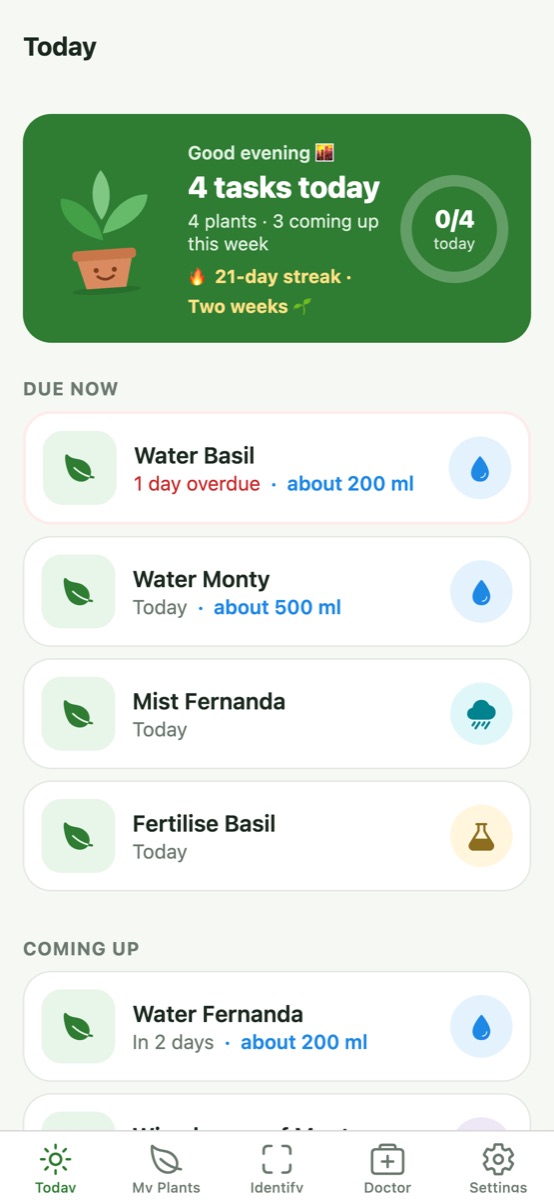
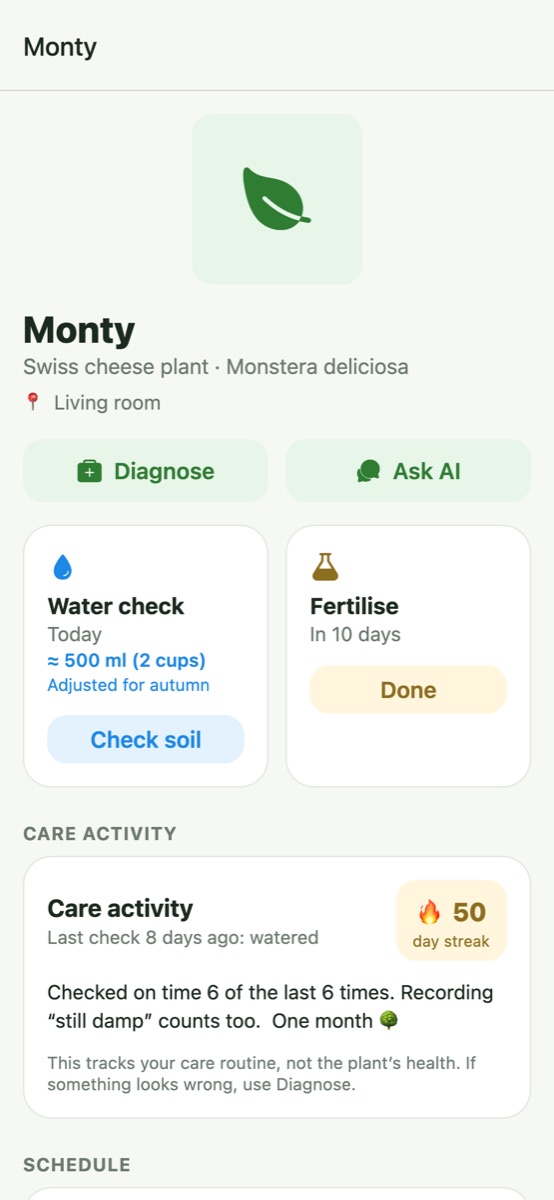
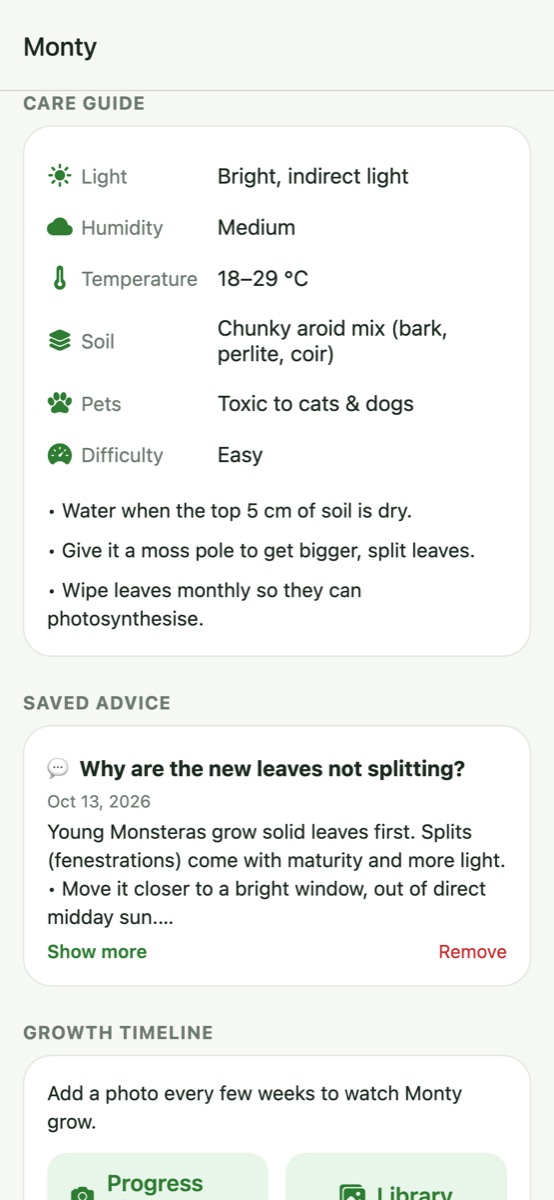
What you'll get
This free beta runs in your phone's browser: try identification, plant advice and care tracking. Automatic reminders are coming in the iPhone app.
Ready? Set it up in 2 minutes
iPhone (Safari): tap Share (square with an arrow ↑) → Add to Home Screen → Add.
Android (Chrome): tap ⋮ → Install app or Add to Home screen.
Tap Identify and photograph a leaf, or Add one by name. Then open a plant to see its care guide and water amount.
Tap Ask AI on a plant, or use Doctor with a close-up of anything that looks unwell. Mark something as watered on Today.
Tell us what you think
What was confusing? What did you like? What's missing? Email info@happyleafy.com. Screenshots are great.
Good to know
- Your plants are saved on your phone only. Use Settings → Backup to keep a copy.
- Each phone gets a free daily allowance of plant identifications and AI questions.
- For adults (18+). Photos and questions you send for identification or AI advice go to Pl@ntNet and Google; please don't include personal information. See the privacy policy.